 DESIGN · CONNECT · AUTOMATE
PROTECT PEOPLE.
WELCOME WITH CONFIDENCE.
The purpose of access control begins with the people inside. Who needs to enter, which areas should they reach, and how should visitors be welcomed? ITAM designs card, fob and door access around employees, guests and the people responsible for their care, alongside protection for the property.
START WITH YOUR DOORS.
LEAVE ROOM TO GROW.
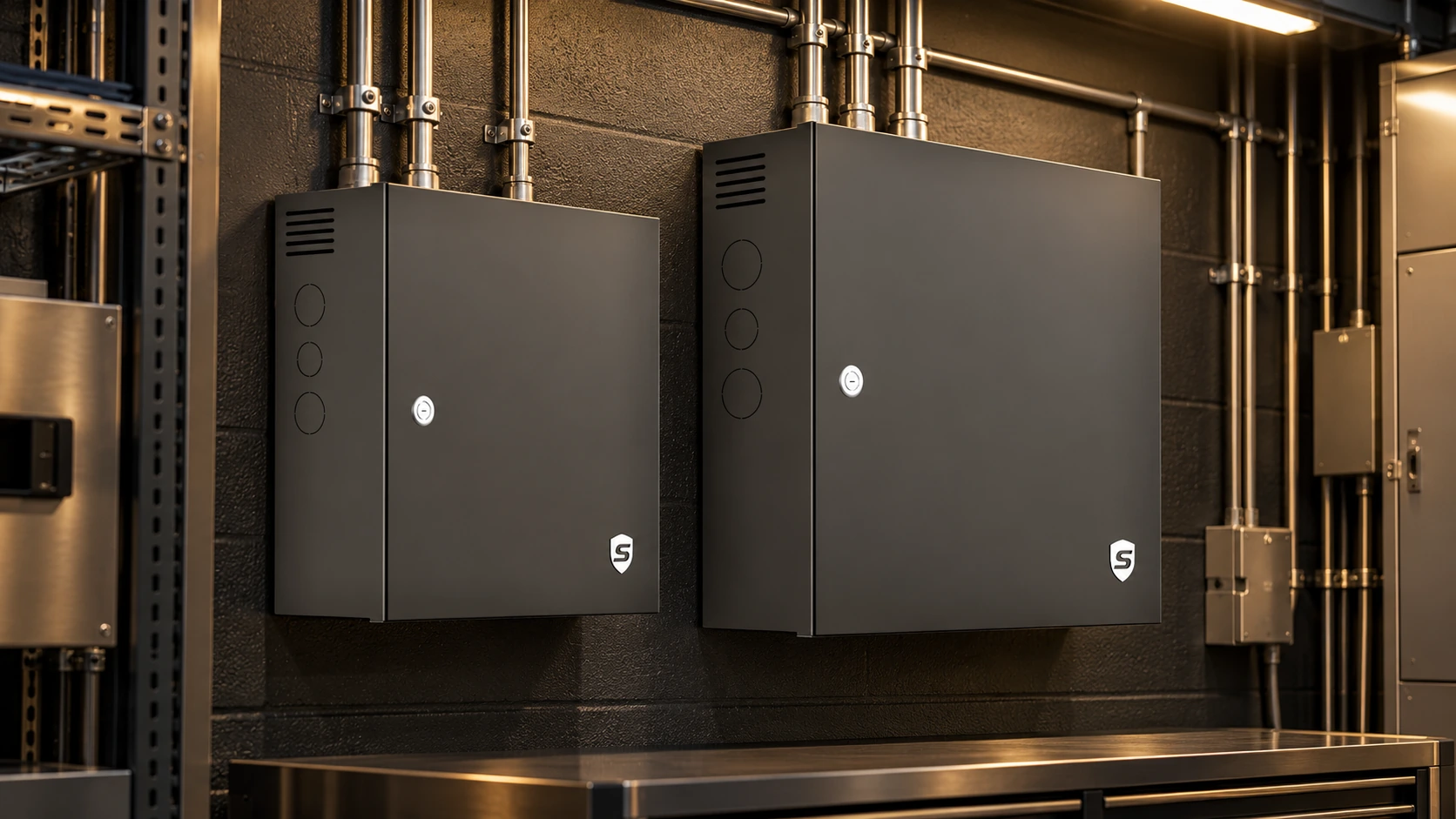
An office entrance, a staff door and a whole floor have different requirements. Sicunet controllers provide the foundation for deciding who can enter, where and when. ITAM selects the panel, power and expansion around your building.
1-door controllers
A focused starting point for a single controlled entrance.
2-door controllers
Coordinate two entrances or distinct staff and visitor routes.
4-door controllers
Bring several doors into the same managed access system.
Controller and power-package options are selected together. The pictured cabinets illustrate the enclosure families.
PLAN THIS WITH ITAM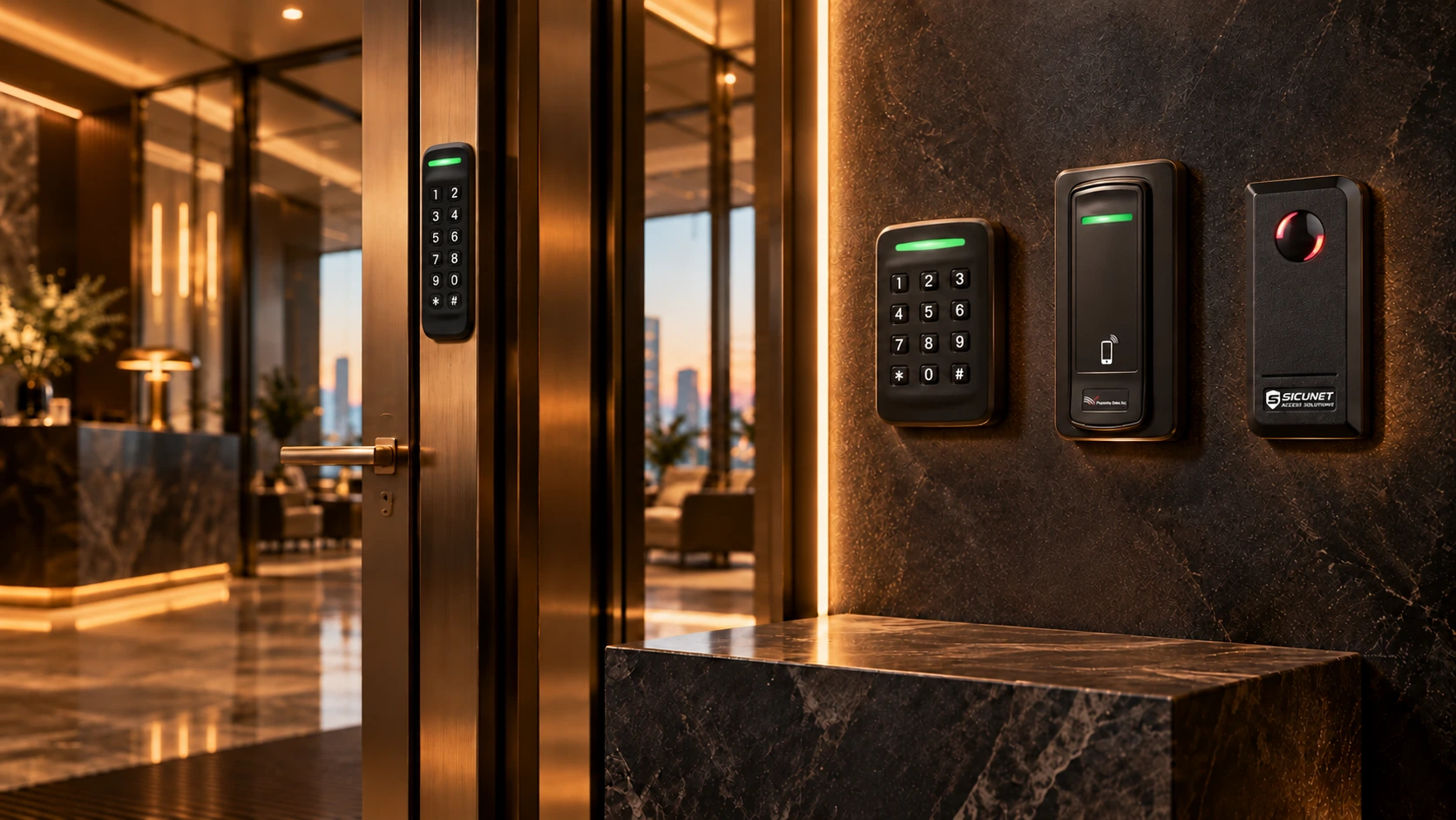
A FAMILIAR WAY IN.
THE RIGHT READER AT EACH DOOR.
A reader should fit both the entrance and the way people identify themselves. These are the Sicunet readers we focus on, selected with the right credentials and connection for your site.
AX15
A narrow keypad reader for slim mounting locations, with multi-technology credential options.
AX25
A broader keypad layout with card, mobile and NFC options for a clearly defined entry point.
SC-PSR-35L
A mobile phone credential reader for convenient authorized entry, alongside supported proximity credentials.
13.56 MHz smart reader
A compact smart-card reader for a clean, straightforward card or fob entry experience.
LET ACCESS FIT
THE PEOPLE CARRYING IT.
Staff, visitors and members do not all arrive the same way. Choose credentials around their routines, with permissions managed by your organization.
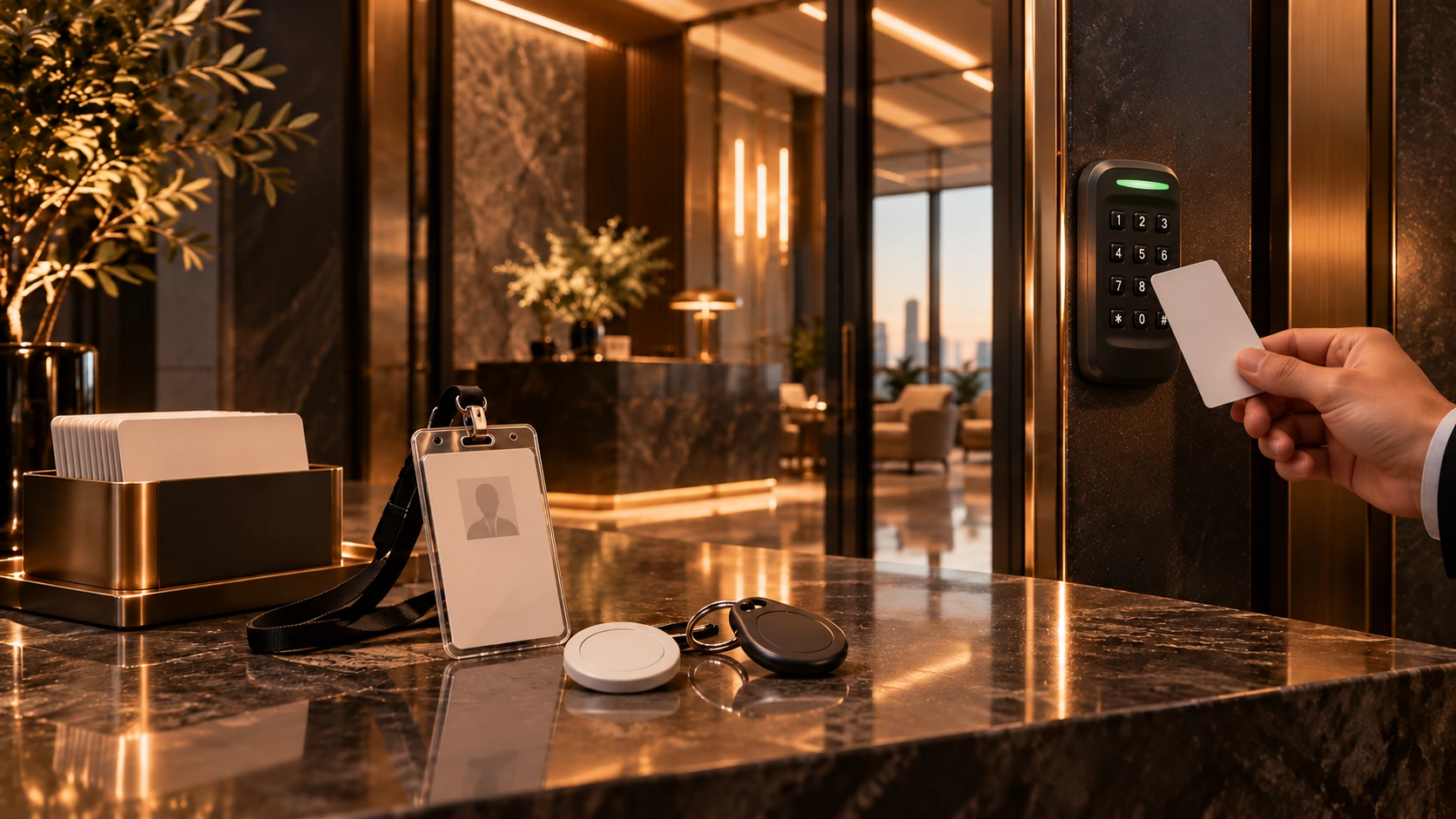
Something familiar. Permission that is specific.
A card on a lanyard, a fob on a key ring or a photo ID badge can make everyday entry simple. ITAM pairs the credential technology with the actual reader and the access each person needs.
DISCUSS THIS WITH ITAM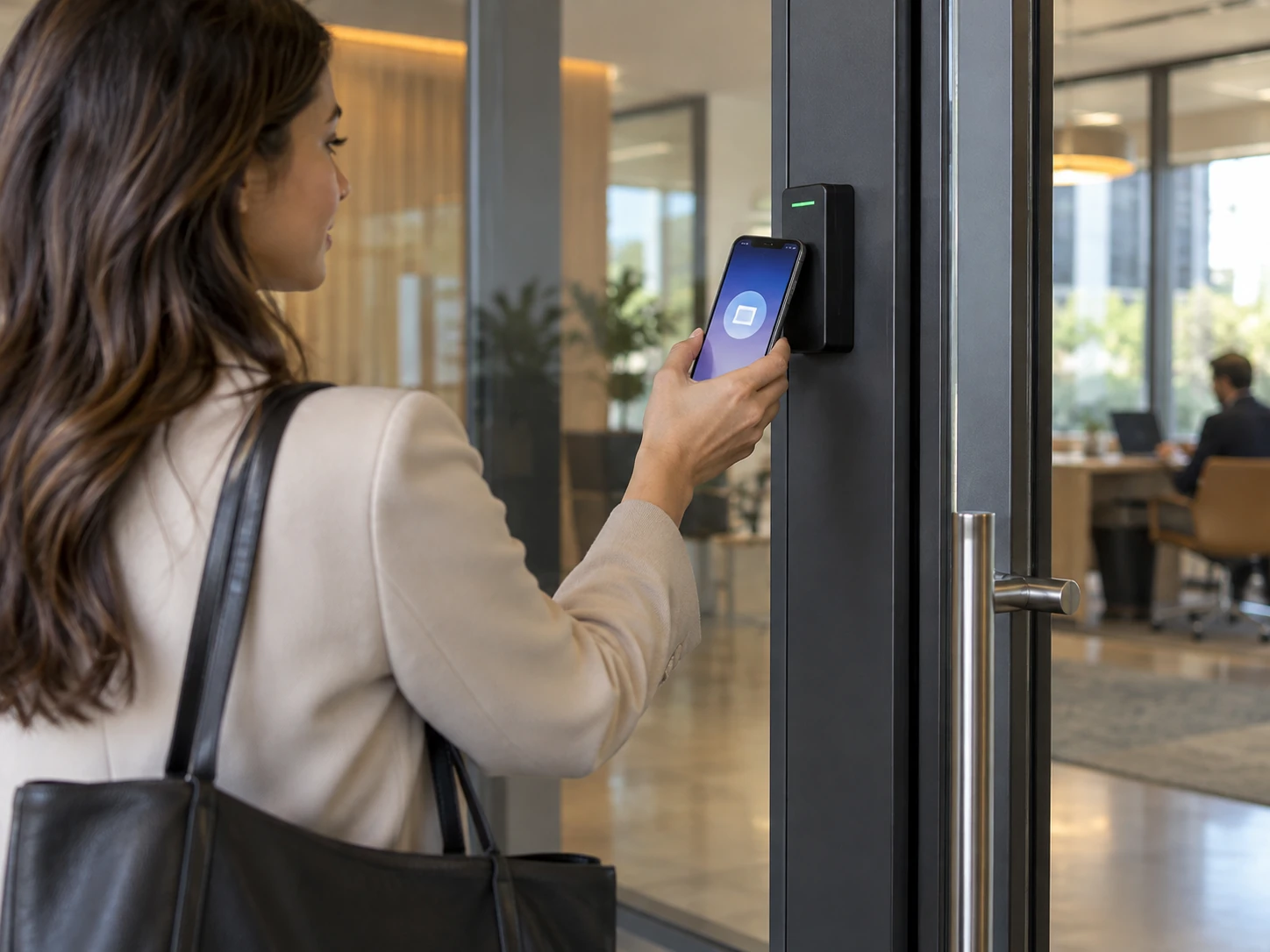
Your phone can be your key.
Sicunet Mobile Credential puts authorized entry on a smartphone using Bluetooth or NFC with compatible readers. Open the app, approach the access point and unlock. Visitor invitations can make a planned arrival easier, with less physical credential handling.
DISCUSS THIS WITH ITAMCREDENTIALS / NEPTUNE 2.0 BADGING
RECOGNIZE THE PERSON.
MANAGE THEIR ACCESS.
Create badge templates, assign them to people and print personalized IDs within Neptune 2.0. Bring names, photographs and your organization’s identity together without a separate badge-design application.
Design & print
Customize layouts and populate badges from the people already in the system.
Capture a photo
The Mobile Manager app can capture and format a person’s photograph for the system.
Badging is an optional feature with a one-time add-on license.
MORE CONTROL.
LESS KEY MANAGEMENT.
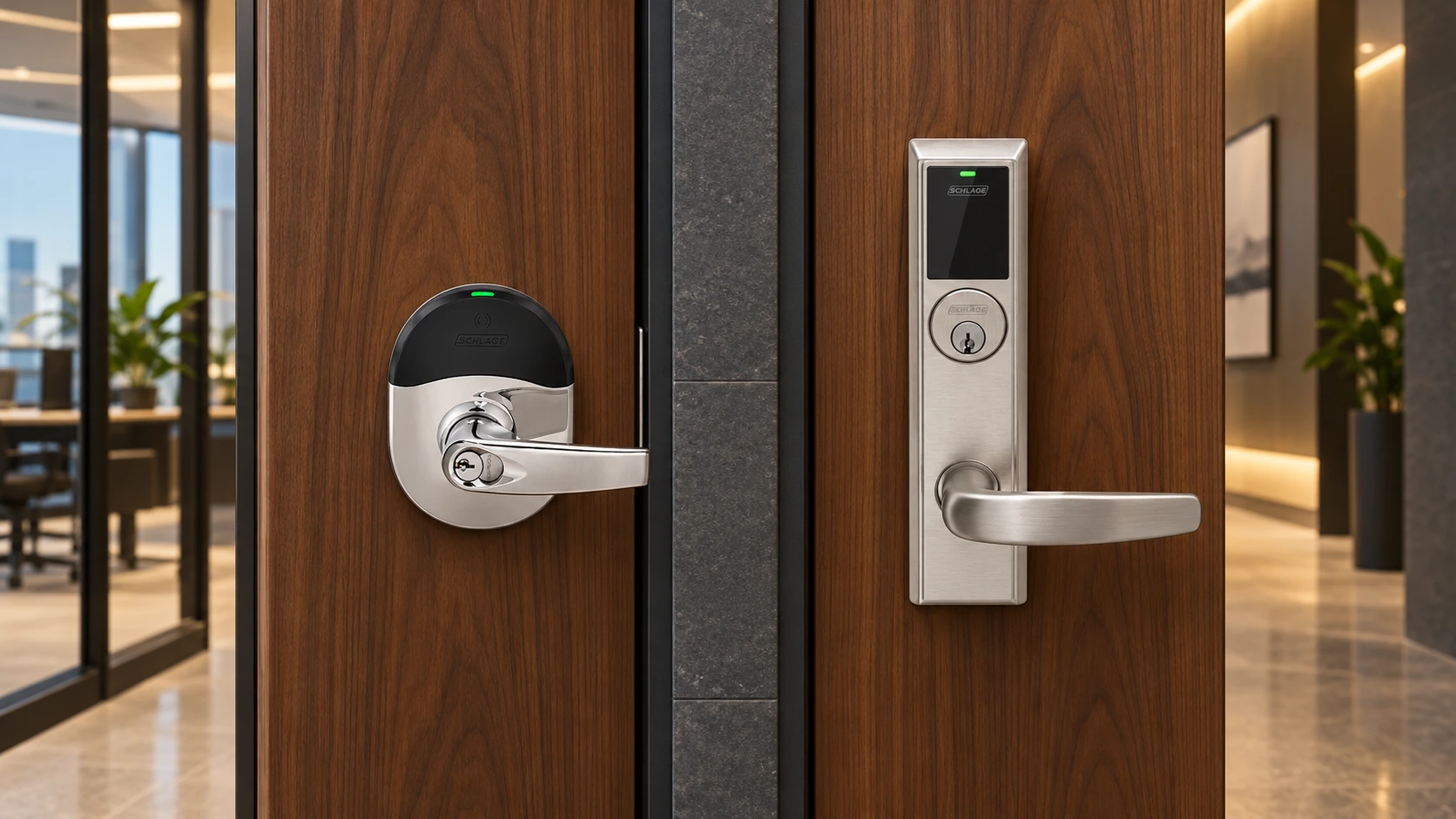
An office, meeting room or shared facility should welcome the right people without relying on a growing collection of metal keys. Sicunet supports Schlage wireless locksets that combine the reader and locking hardware, with permissions managed as part of the access system.
NDE / NDEB — cylindrical
An integrated reader and lever lock for standard cylindrical door preparation, with supported card and mobile credentials.
LE / LEB — mortise
A wireless mortise lockset option for doors built around mortise hardware, bringing supported credentials and access management to the door.
ITAM checks the existing door preparation, required functions and gateway coverage before selecting the lockset.
PLAN THIS WITH ITAM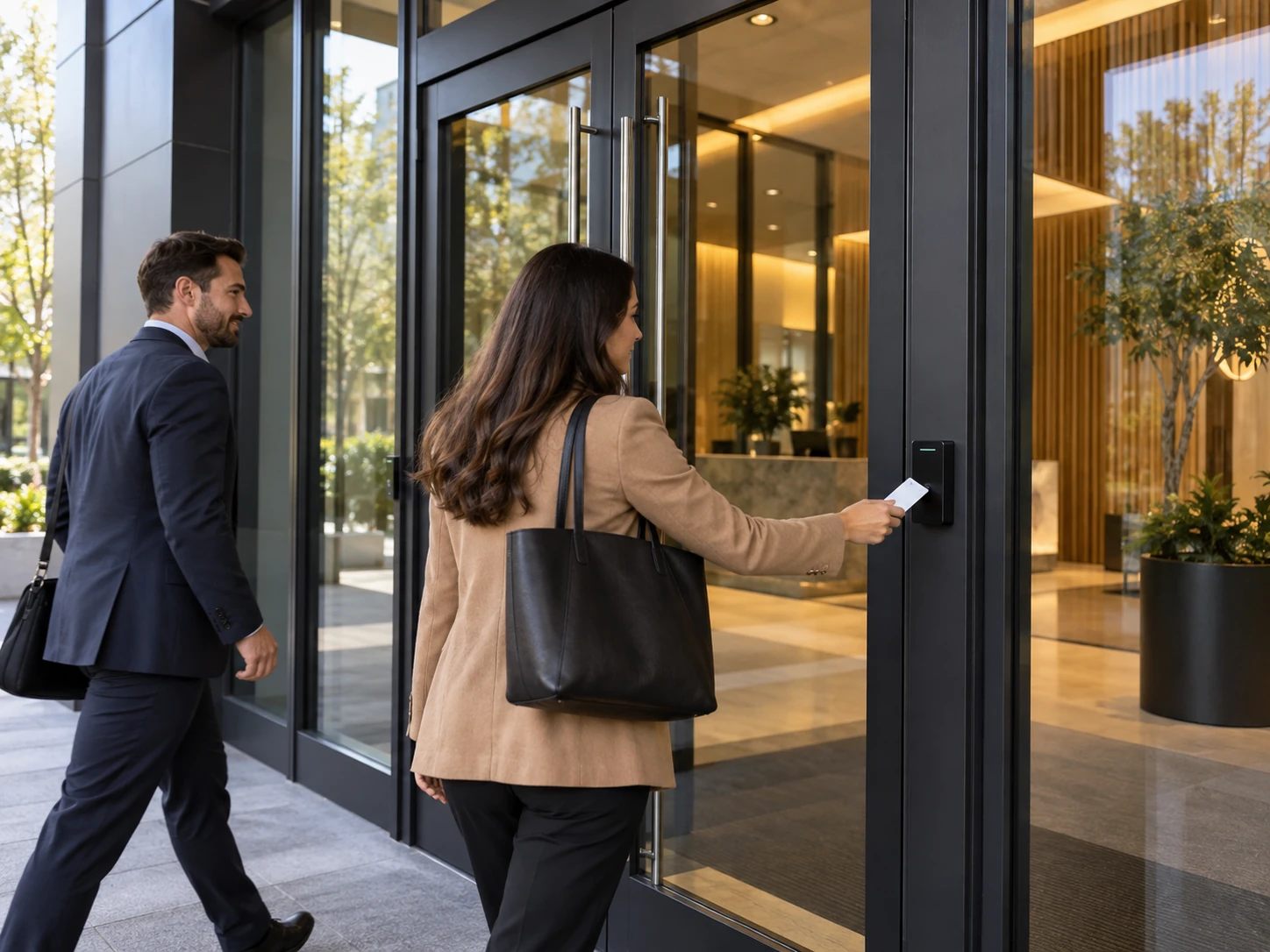
SEE WHO IS THERE.
MAKE THE WELCOME PERSONAL.
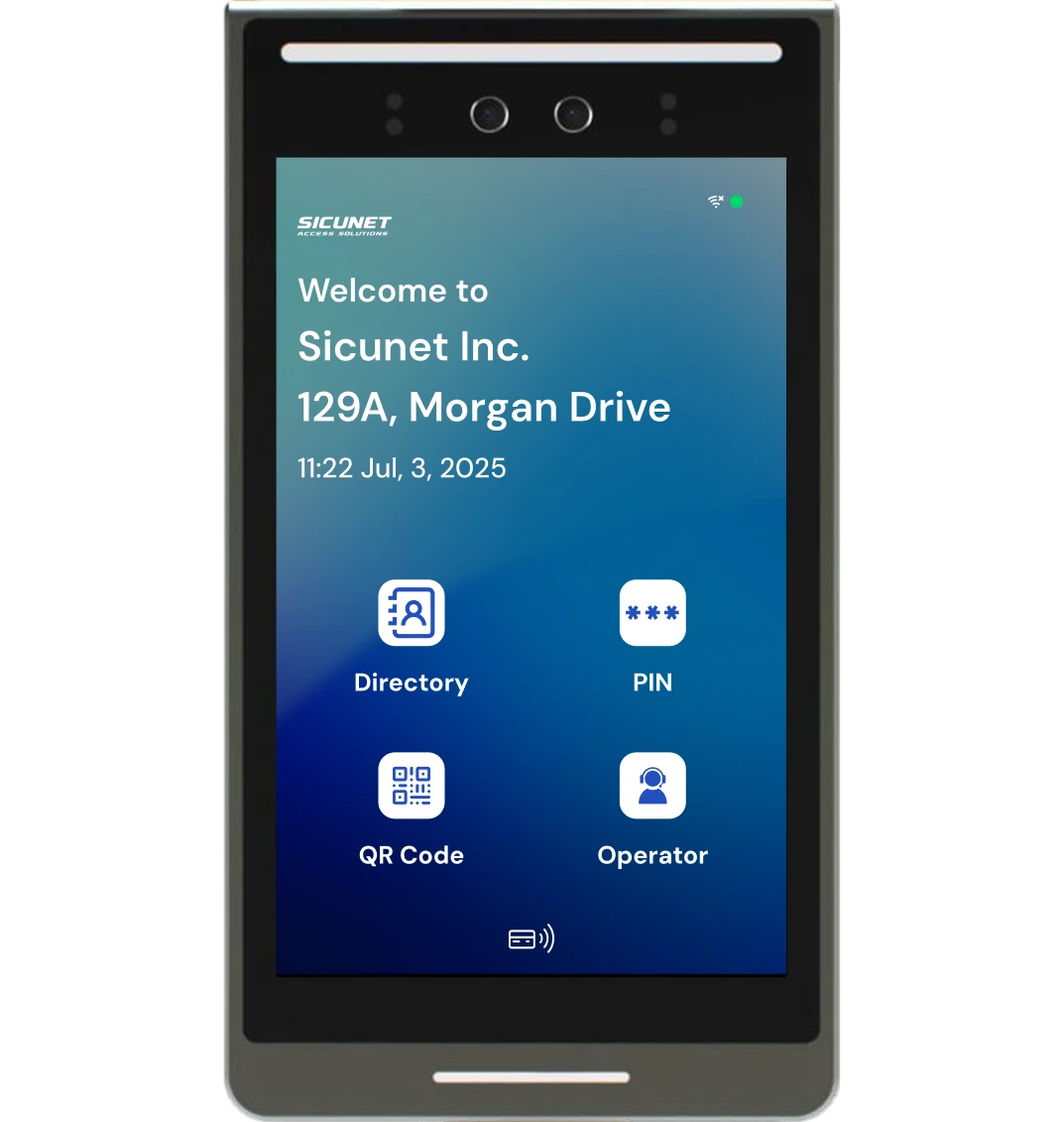
Give visitors a clear way to find the right person and start a two-way video conversation. Sicunet Tenant directory door stations bring visitor communication and controlled entry together at the entrance.
Tenant 8 / Tenant 10
Touchscreen directory door-station options for the building’s entry requirements.
A clear route inside
Directory calling, PIN and QR-code options help connect a visitor with the appropriate person and entry process.
WHO, WHAT, WHERE & WHEN.
MAKE THE ANSWERS USEFUL.
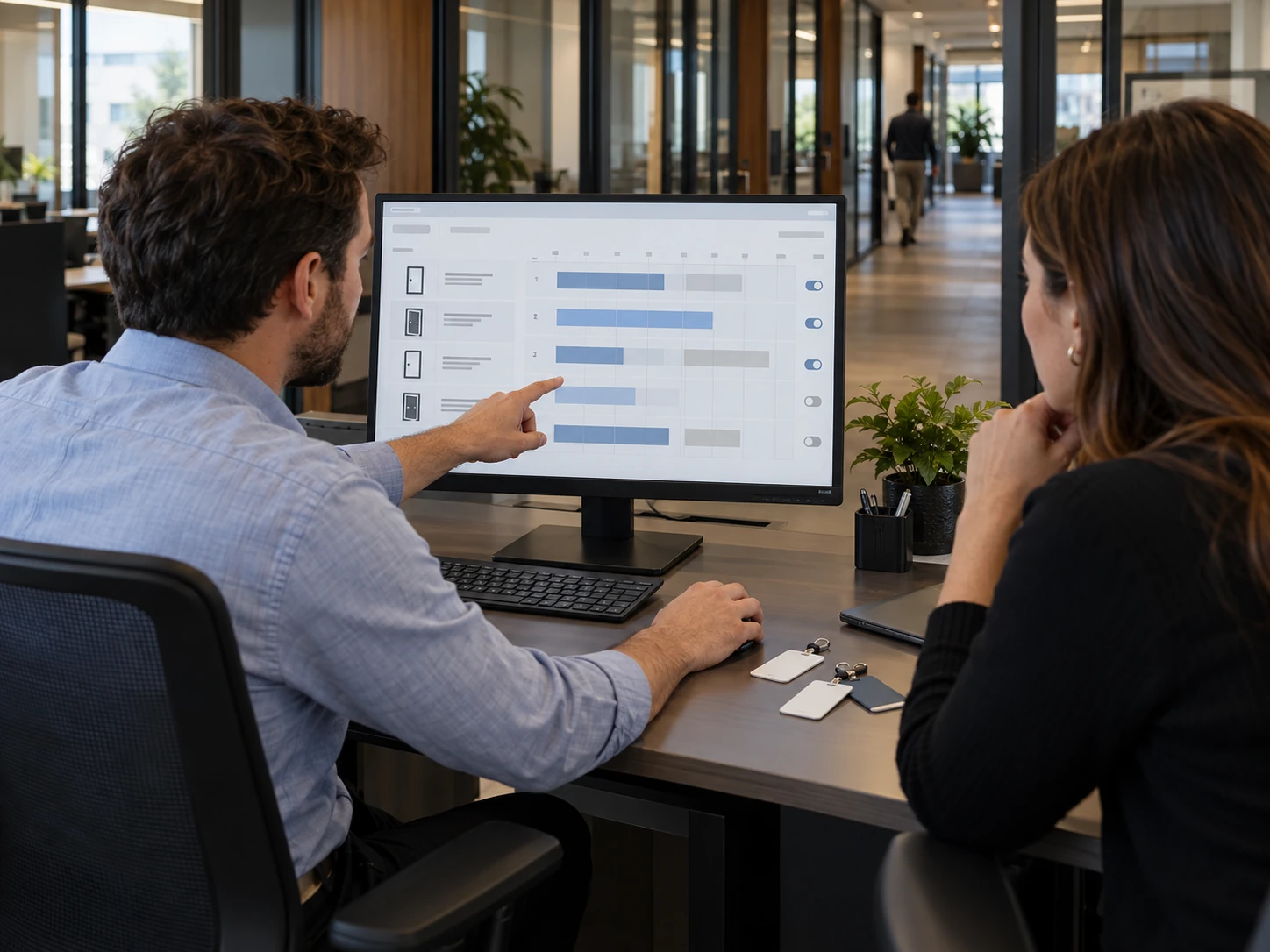
Add a person, select their access level and assign a credential. Find the event you need, check a door’s status or update a schedule. Neptune 2.0 brings everyday access responsibilities into a browser-based interface that can be organized around the people managing it.
A workspace that fits the operator
Favorites, configurable columns, search and help tools keep frequently used information close at hand.
Useful status & reports
Dashboards and active icons support door oversight. Filter predefined reports or create custom views of access activity.
One site or several
Manage people, doors and locations through on-premises, cloud or hybrid deployment options chosen for your organization.
Oversight on the move
Role-based mobile management supports user and credential changes, door control and event review on supported systems.
Workstation image illustrates the management setting.
PLAN THIS WITH ITAMWHO SHOULD HAVE ACCESS TO YOUR BUILDING?
Start with the people, their responsibilities and the spaces they need. We’ll work through the doors and technology.
CONTACT ITAM