 DESIGN · CONNECT · AUTOMATE

MAKE EVERY SEAT
PART OF THE EXPERIENCE.
Can the person at the back follow the message as easily as the person at the front? ITAM plans Epson projection around the people, the room light and the content—so a lesson, a presentation or a service reaches the audience.
WHAT DO PEOPLE
NEED TO SEE?
Screen size and readable content begin with the seats, sightlines and way the space is used.
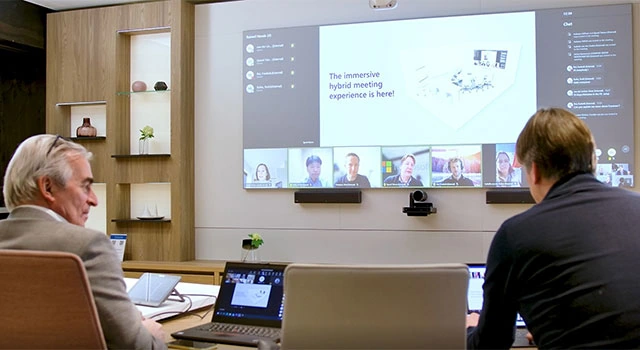
Can everyone see the work?
Make charts, shared ideas and detailed drawings readable, with projection and input connections planned for presenters and participants.
DISCUSS THIS WITH ITAM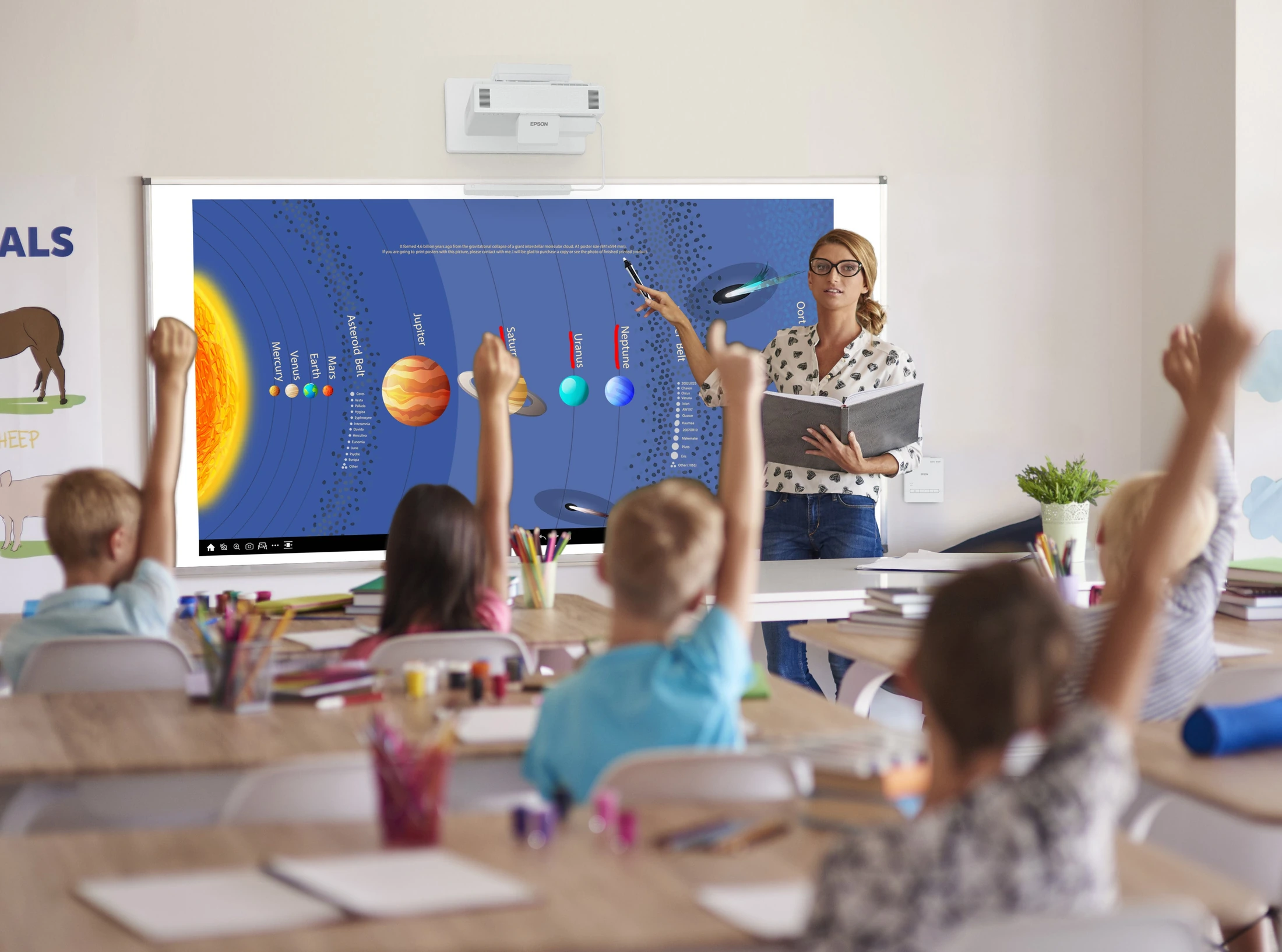
What if the whole class could take part?
Bring the lesson to life with BrightLink interactive projection. Teachers and students can write, annotate and work through ideas together on a compatible whiteboard.
DISCUSS THIS WITH ITAM
Does the image support the message?
Bring text, music and video into a thoughtful service experience, with controls that volunteers can use confidently.
DISCUSS THIS WITH ITAM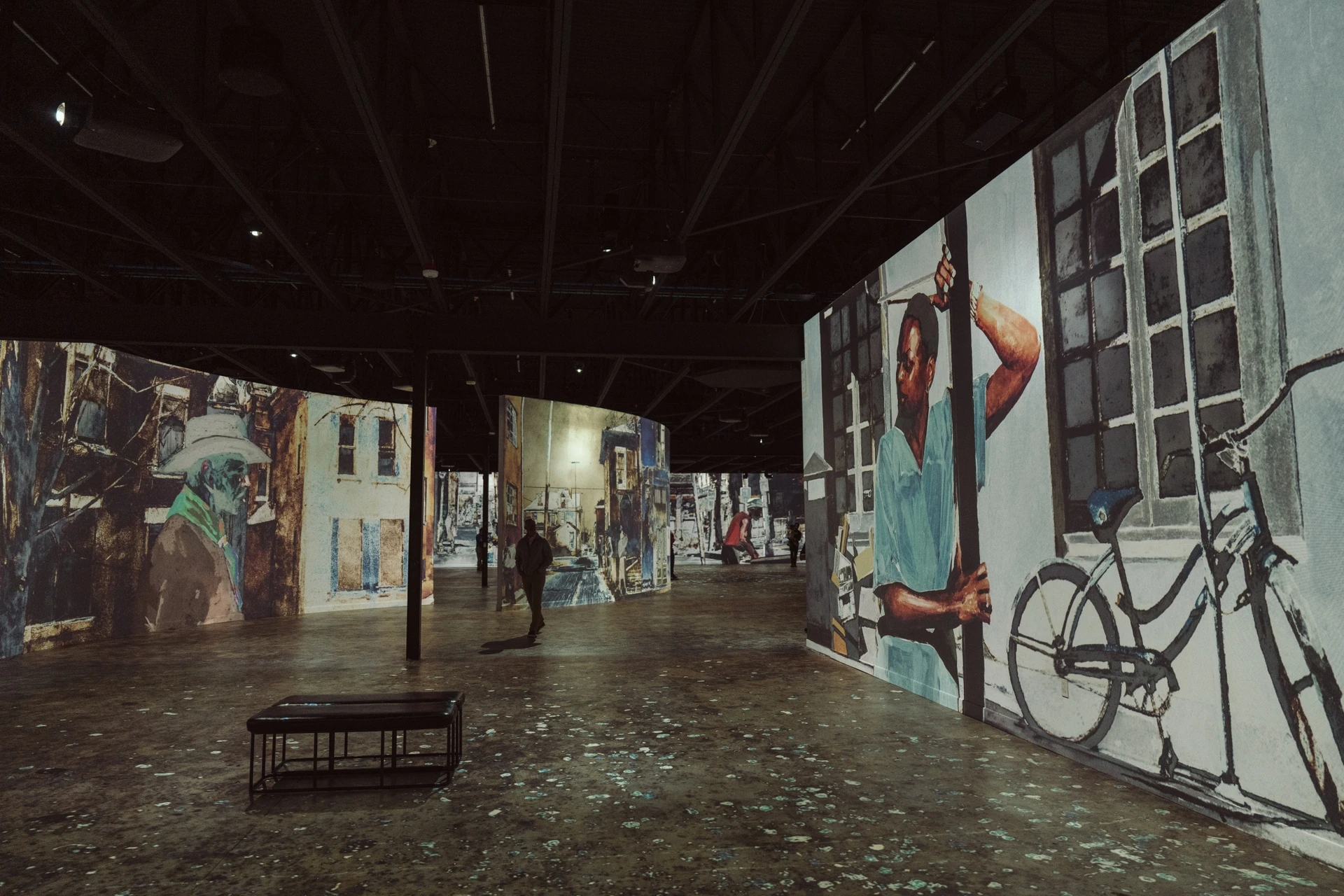
Could the audience step into the story?
Projection mapping and multiple-image designs can transform a space when content, surfaces, alignment and sound are planned together.
DISCUSS THIS WITH ITAM
FOUR PERSPECTIVES.
ONE CLASSROOM.
What changes when students can see one another’s thinking? With Epson iProjection Moderator on compatible devices, a teacher can bring one student’s laptop onto the projection—or show four students’ screens together in a 2×2 layout. Different ideas become something the whole room can compare, question and build on. That’s when a lesson becomes collaboration.
BrightLink adds the interactive canvas: teachers and students can annotate lessons with pens, work beside a whiteboard, and capture what the class creates. Finger-touch interaction depends on the model and installed touch hardware. ITAM plans the projector, connections, network and classroom sound around the way teachers actually teach.
PLAN YOUR CLASSROOM WITH ITAM
THE PROJECTOR IS
ONLY PART OF THE ANSWER.
Epson’s commercial projection range includes 3LCD laser designs, with lens and installation choices for different room scales. ITAM considers readable image size, ambient light, throw distance and service access before selecting the projector. Suitable 4K display options are chosen where the content and viewing distance call for them. Then we bring the room into a clear ELAN operating routine.
Explore conference rooms & collaboration →
PLAN THIS WITH ITAMReadable from the seats.
Match image size, resolution and content to viewing distance.
Designed for the room light.
Consider the screen surface, light direction and brightness together.
Ready for the next presenter.
Build a familiar ELAN routine for power, sources and the rest of the room.
A CLOSER LOOK AT EPSON COMMERCIAL PROJECTION
- The range includes 3LCD laser installation projectors with different brightness, lens and mounting choices.
- BrightLink interactive models include Full HD 1080p options, pen annotation and PC-free whiteboarding. Finger touch is included or optional depending on the model and appropriate touch hardware.
- 4K enhancement and on-screen 4K capabilities vary by model; native imaging resolution and pixel-shifting methods are different specifications.
- Multiple-projector alignment, edge blending and mapping are available within appropriate system designs.
- ITAM designs the projector, image surface, control, sound, power and ongoing service as a complete installation.
WHAT DOES YOUR AUDIENCE NEED TO UNDERSTAND?
Start with the people, the content and the room. We’ll design the projection around them.
CONTACT ITAM